

Buying one laptop for yourself and equipping a ten-person team are different problems wearing the same shopping trip. A fleet purchase means balancing per-unit cost against the whole budget, thinking about warranty across multiple machines at once, and usually working backward from a fixed number rather than forward from a wish list. Here's a practical way through it.
What actually matters for office work
Documents, spreadsheets, browser-based tools, video calls, accounting software: none of this needs top-tier hardware. What it does need is a reliable processor, enough RAM to avoid slowdowns with several tabs and apps open at once, and an SSD instead of a traditional hard drive for faster boot and load times. Overspending on specs your team will never touch is the common mistake in one direction; underspending on RAM is the more common real bottleneck in the other. Most SME buyers err on the wrong side of that second one.
New vs Ex-UK scales differently across a fleet
New laptops give every unit the same starting condition and the longest warranty window, up to 12 months depending on model, which simplifies support planning if something fails in year one. Ex-UK refurbished laptops stretch the same total budget further per unit, often buying a higher spec across the whole team, but carry a shorter 3-month replacement warranty and some unit-to-unit cosmetic variation, since each machine is used. A mixed fleet is common in practice: new for roles where uptime can't slip, Ex-UK for general staff use where the saving matters more than pristine condition.
Get warranty terms written down, per unit
Whichever route you take, get the warranty period confirmed and documented, not a verbal assurance, not a blanket assumption across the whole batch. Ask what's covered (hardware faults under normal use) and what isn't (physical, liquid, or power damage, misuse). For a business, this documentation matters more than it does for one personal laptop, because you'll need to reference it later against a specific staff machine, not a general memory of what the seller said.
Corporate and LPO orders
Priscom supplies laptops and other IT equipment to businesses on a corporate/LPO basis for bulk orders. Payment and credit terms are arranged per quotation; there's no fixed standing credit arrangement to assume going in. Raise your actual requirements (quantity, spec, timeline, any LPO process your organisation runs) directly when requesting a quote, and terms get worked out for that specific order.
Buy ahead of today's headcount, not exactly at it
Order with your next 6-12 months in mind, especially if you're hiring. A single larger order negotiates better than several small ones placed reactively as each new hire starts, and it avoids the drag of repeated small procurement cycles eating time that should go elsewhere.
Standardise where your budget allows
The same or similar model across your team, rather than a different laptop for every hire, makes IT support genuinely simpler: one charger to stock spares for, similar troubleshooting steps, an easier handover if someone's machine needs to go in for repair and they need a loaner in the meantime. Not always possible on a tight or evolving budget, but worth building toward.
Don't forget what rides alongside the laptop
A fleet purchase is the right moment to think about a genuine Windows or Office licence if it isn't already included, antivirus software (Priscom carries Kaspersky), external monitors for desk-based roles, and spare chargers or batteries for staff who travel. Bundling these into the same quotation request is simpler procurement than sourcing them separately later, after the laptops have already shipped.
The short version
Start from the actual workload, not a spec sheet chosen for its own sake. Weigh new against Ex-UK per role, not as a blanket policy. Get warranty terms written down per unit. Arrange bulk or LPO orders through a proper quotation rather than assumed retail terms. That combination protects the budget now and the support burden later.
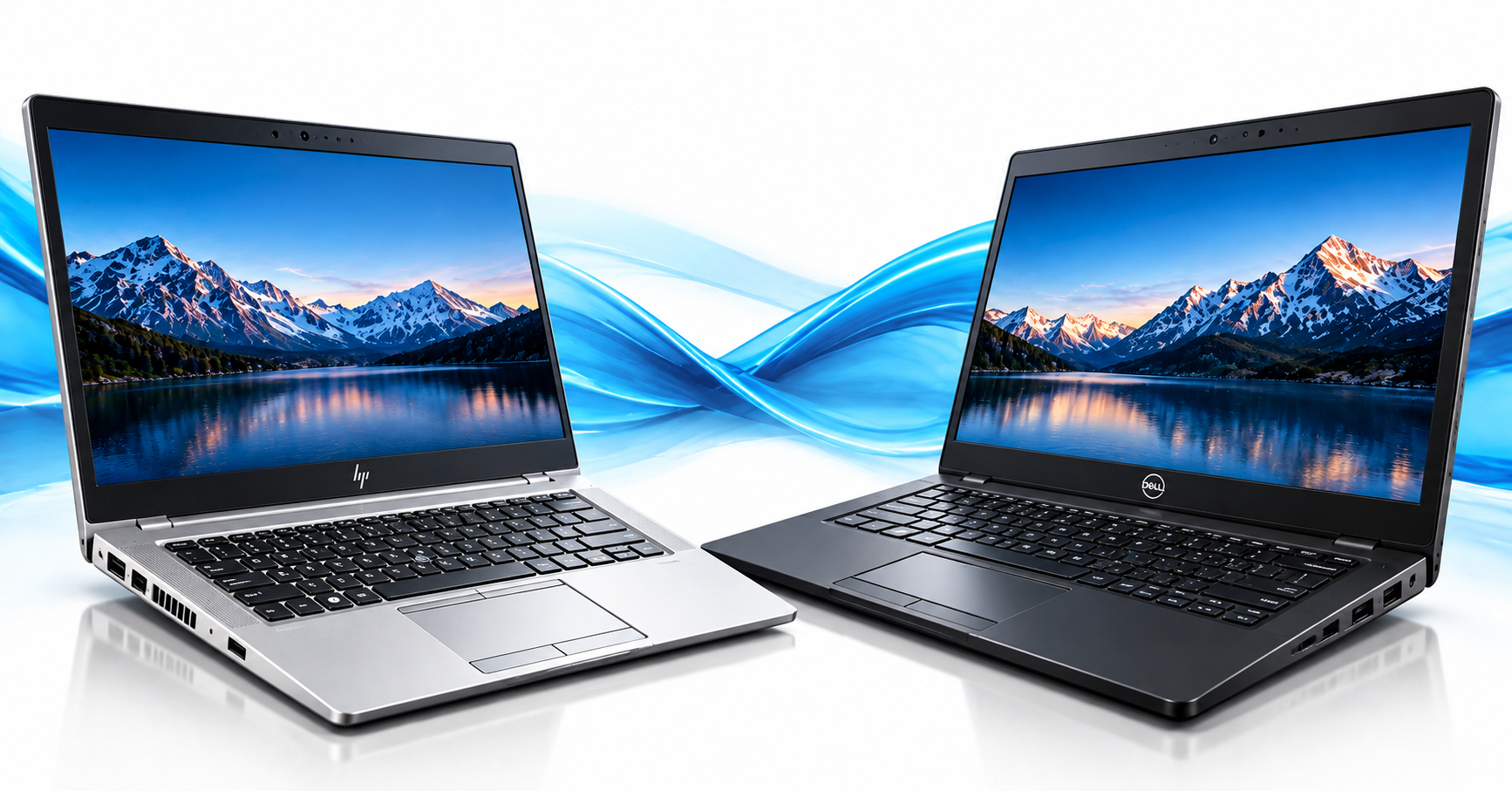
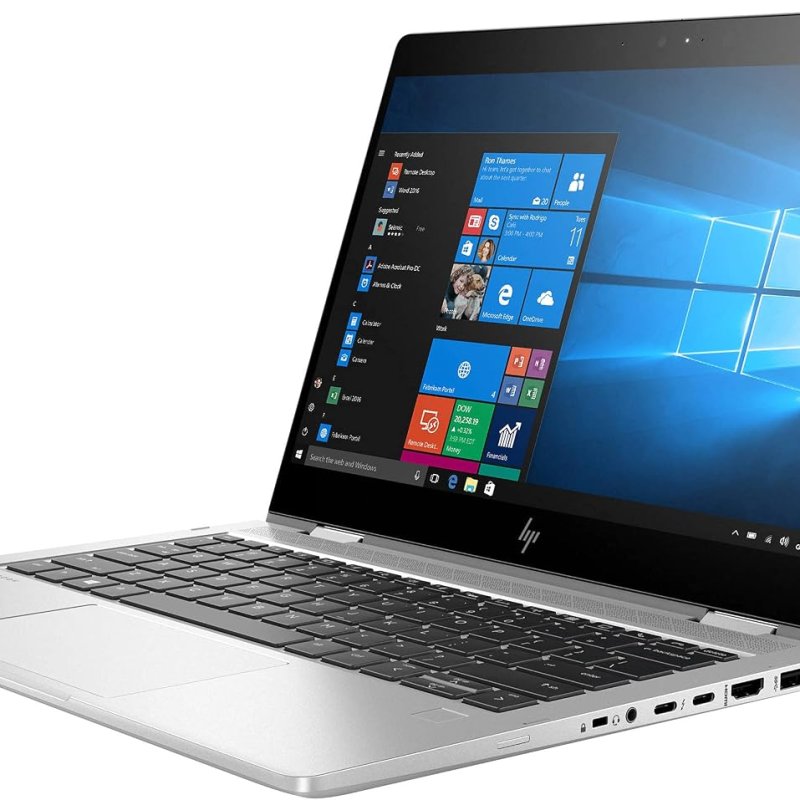
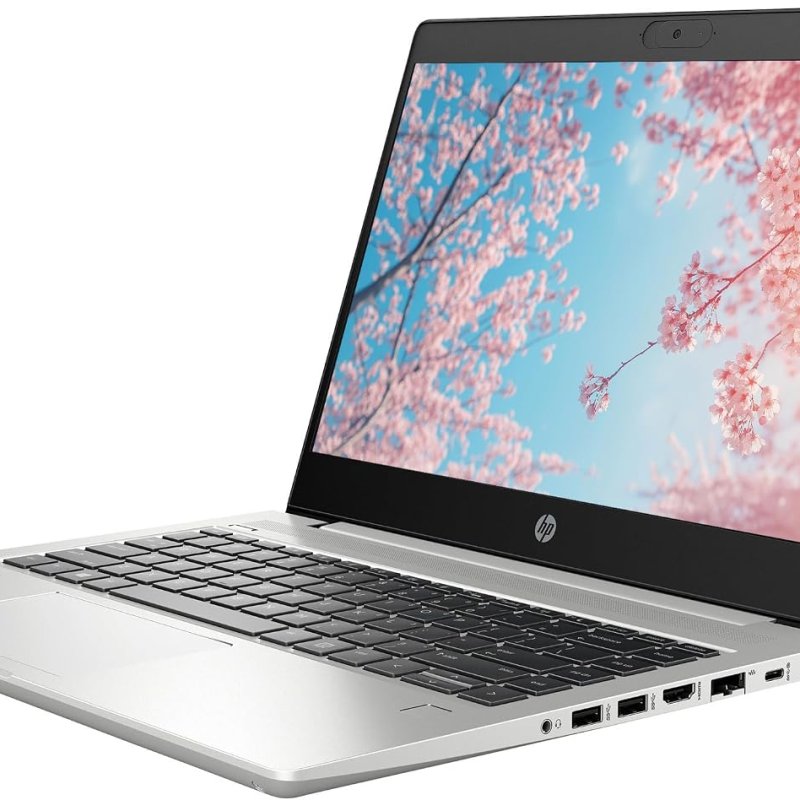
Browse current stock, HP laptops and Dell laptops, and check the full warranty policy before placing a bulk order.




Comments (0)
No comments yet. Be the first to share your thoughts!